
Pixverse 6
Smooth, stylised motion. Popular for social clips.
- What it is
- Video model
- Made by
- Pixverse
- Clip length
- 5 to 15 seconds
- Sound
- Its own sound, and characters can speak a line
- Starts from
- The shot's first frame, or words alone
- Price
- From 8 tokens
- Public ranking
- 27th for image to video with sound
Asked for: Slow dolly toward a small red lighthouse on a rocky headland at sunset, waves breaking below, storm clouds lit crimson, cinematic
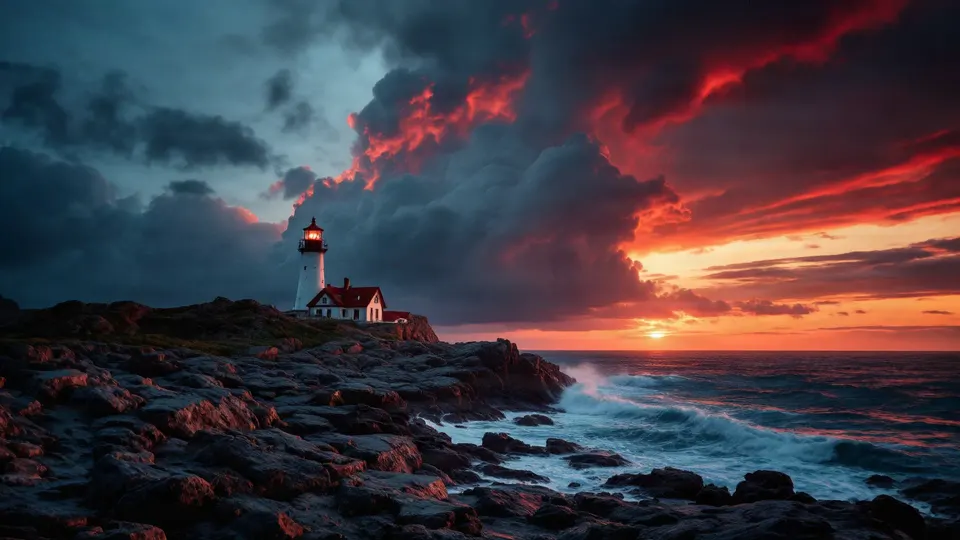 The picture it started from
Asked for: Waves roll in and break on the rocks, clouds drift slowly, the lighthouse lamp turns
The shot: Cold blue dusk, whitecaps crashing on black rocks, a lighthouse beam sweeping overhead. A weathered woman in her late fifties in a cream cable-knit sweater picks her way along the shore and stops, her eyes narrowing at a glint of green glass between two rocks. Slow push in. She says: “Twenty years I've kept this light. Maybe it's time it kept itself.”
What Pixverse 6 is
Pixverse 6 is in the video generator, the image-to-video tool and the AI Video Studio. Its clips have a smooth, slightly painted look that suits short social videos.
Strengths and weaknesses
No model is best at everything. This is where Pixverse 6 earns its place, and where another model will serve you better.
Where it is strong
- Lively movement. From our lighthouse picture it sent a wave crashing over the rocks.
- A strong, graphic look straight away.
- Four lengths in the Video Studio: 5, 8, 10 or 15 seconds.
Where it falls short
- Stylised, not real. Water and sky look painted next to LTX.
- It can add drama you did not ask for.
- Twice the price of LTX 2.3 Fast.
Best for
- Reels and shorts
- Stylised and animated looks
- Bringing a still picture to life
Pick another model when
- You want it to look filmedLTX 2.5 Fast →
Where you can use it
3 places in the studio run this model. The link opens the tool; the price is shown again before anything is charged.
Compare with
Other video models in the studio, each with its own samples and notes.
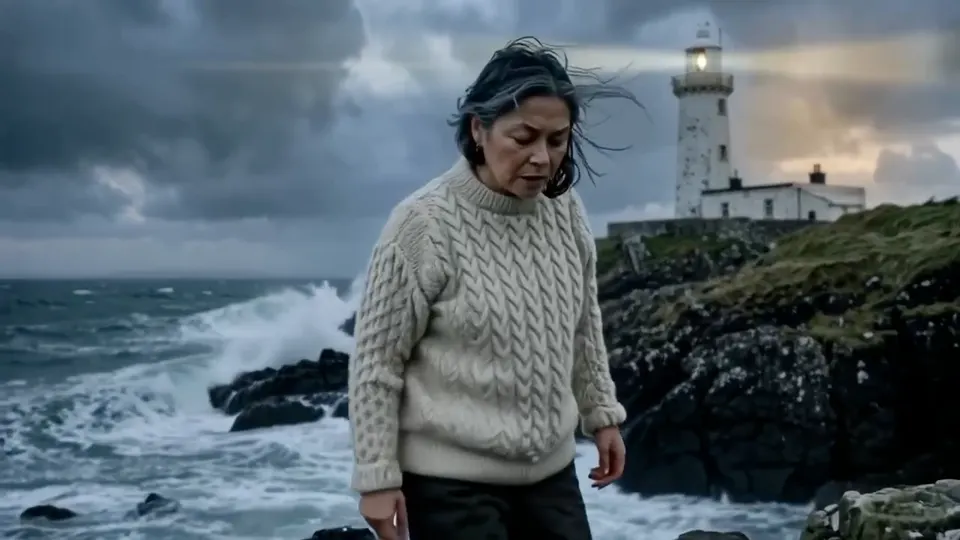 Lightricks · VideoLTX 2.5 FastThe newer LTX: sharper detail and steadier motion than 2.3, with sound, up to 20 seconds.from 18 tokensSee samples
 Pruna · VideoP-VideoThe cheapest clip here. Good for checking an idea before a final take.from 4 tokensSee samples
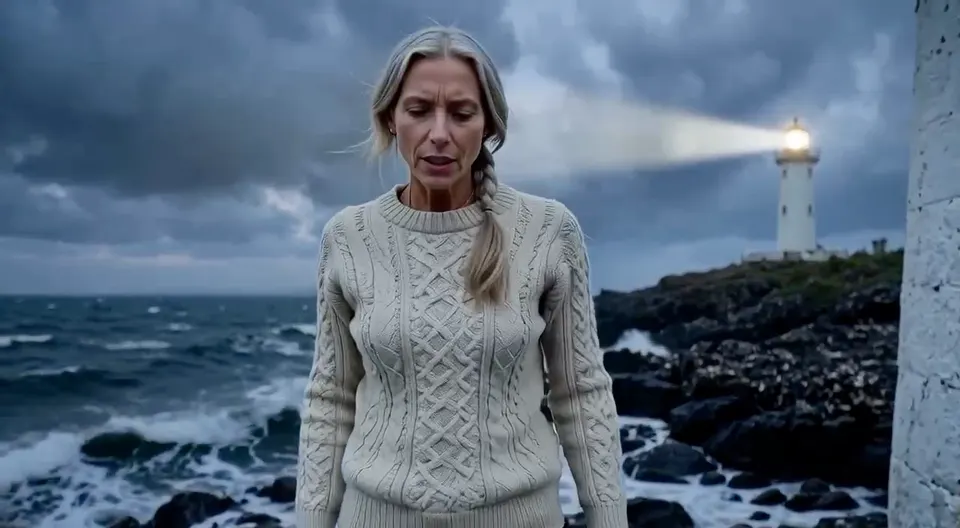 Pruna · VideoP-Video AvatarCheap talking shots: a face moves its mouth in time with its voice line.1 token a secondSee samples
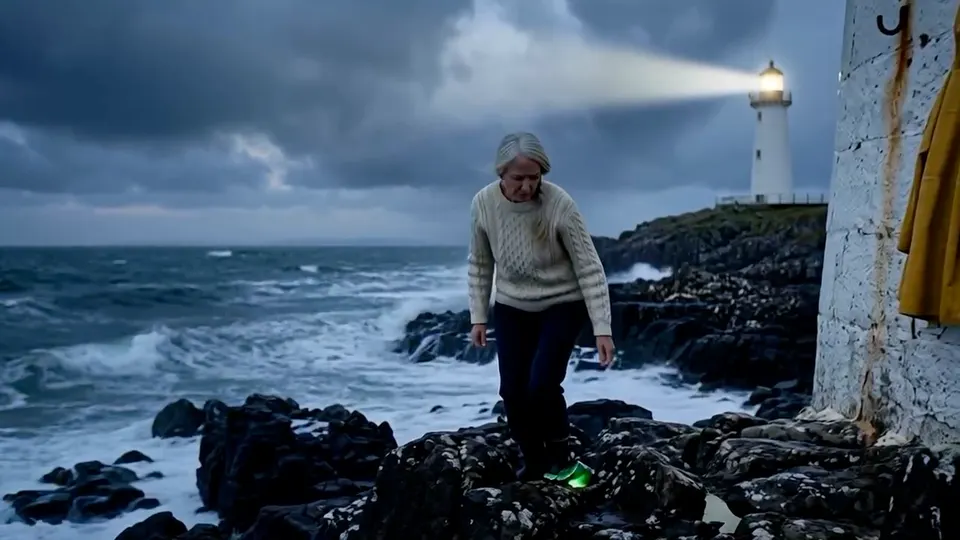 MiniMax · VideoHailuo 02Lively, realistic motion at a low price. No sound: add a voice-over or music.2 tokens a secondSee samples
Questions
Something else? Ask us.
How much does Pixverse 6 cost on ideahits?
Pixverse 6 costs 8 tokens a clip in AI video generator; 8 tokens a clip in the image to video; 2 tokens a second (10 tokens for 5 seconds) in AI Video Studio. You pay with tokens from one balance that works on every model, and the price is shown before each run. A run that fails is refunded.
What is Pixverse 6 best for?
Reels and shorts; Stylised and animated looks; Bringing a still picture to life. Consider LTX 2.5 Fast when you want it to look filmed.
Do I need an account with Pixverse to use Pixverse 6?
No. Pixverse 6 runs inside the ideahits studio. One ideahits account and one token balance cover every model here.
Can I use what Pixverse 6 makes for commercial work?
Yes. What you make in the studio is yours to use, including in adverts, on products and for clients.





Try Pixverse 6.
Create an account, pick a pack from $6, and drop in a picture.
10 free tokens to start